Aurora Steam Client · Native Rust · Linux & Windows
Aurora Steam Client. None of the bloat.
Lightweight open-source Steam client in Rust. Store, library, downloads, friends, Workshop and Market in one native window—no steamwebhelper, no Chromium.
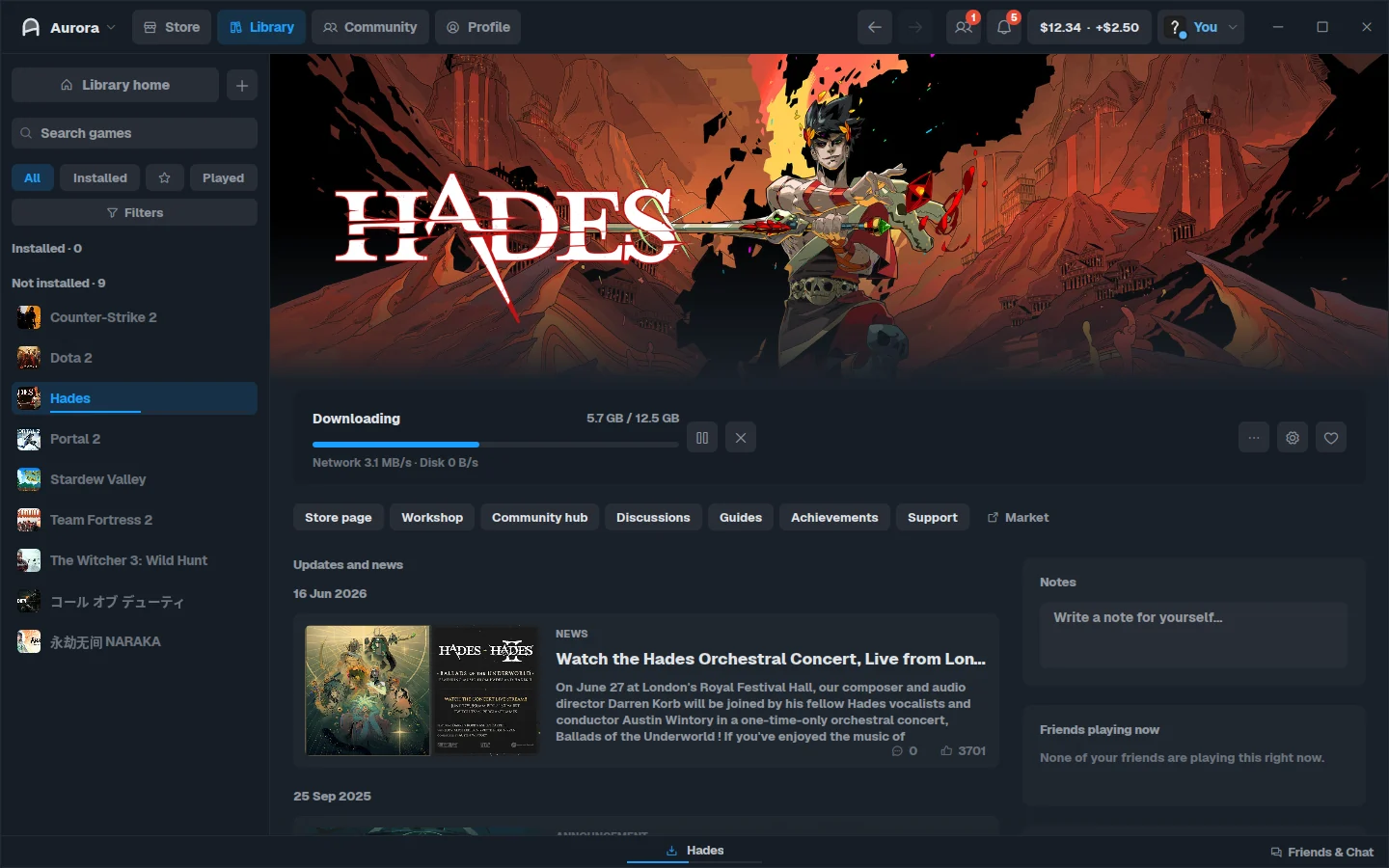
What's new

Store trailers play on Linux, with sound, and each game can pick its own Proton
Aurora 0.7.2 16 Nov 2026
Games use Steam's shader cache, and shaders compile before a game starts
Aurora 0.7.1 16 Nov 2026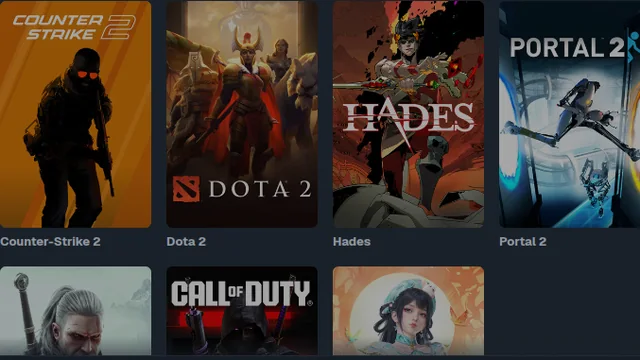
An Arch Linux package, and anti-cheat games on the windowless Steam host
Aurora 0.7.0The whole client, drawn natively
Everything you open Steam for, rendered with egui in one process. Aurora signs in to your own account and talks to Steam's servers directly.
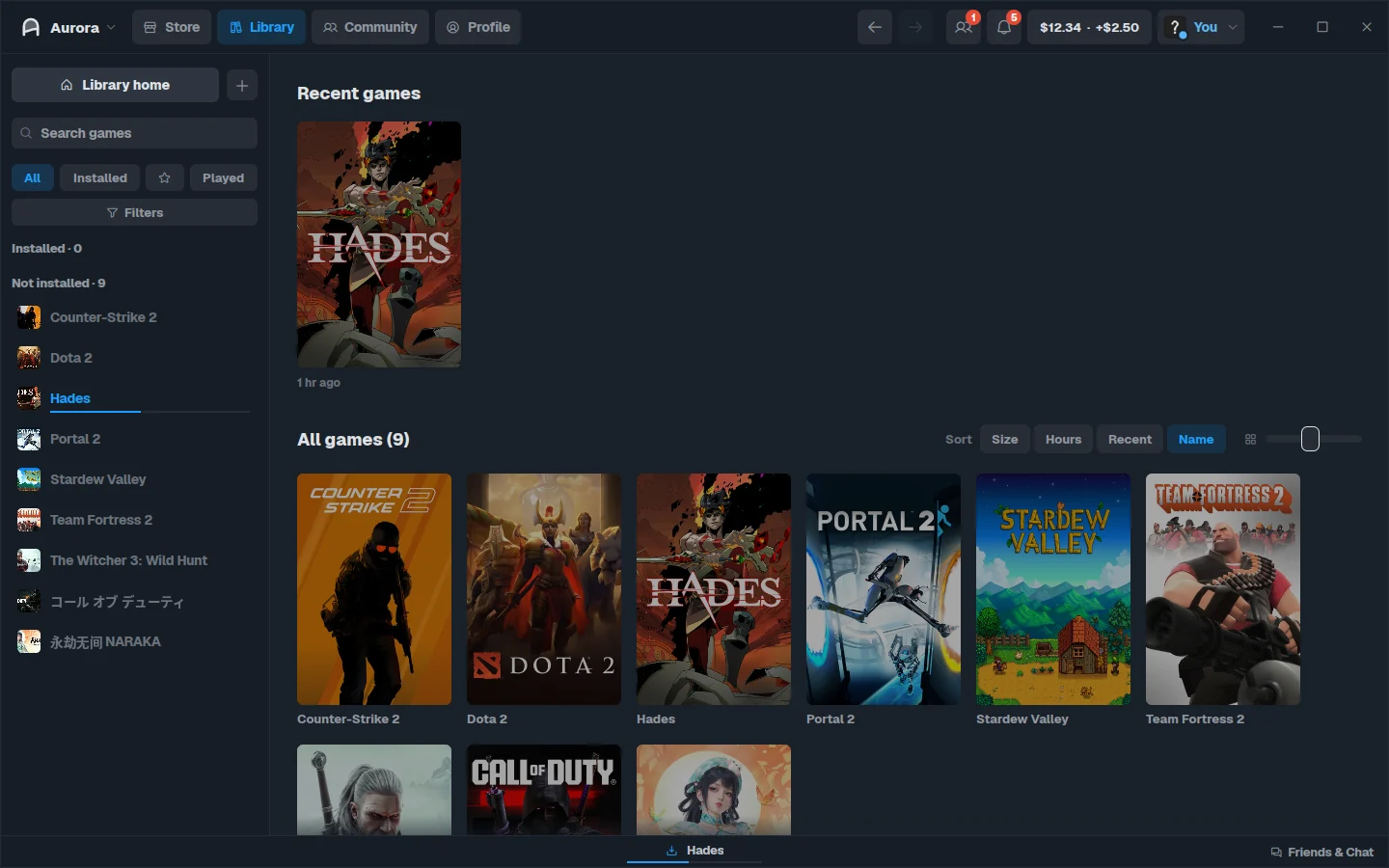
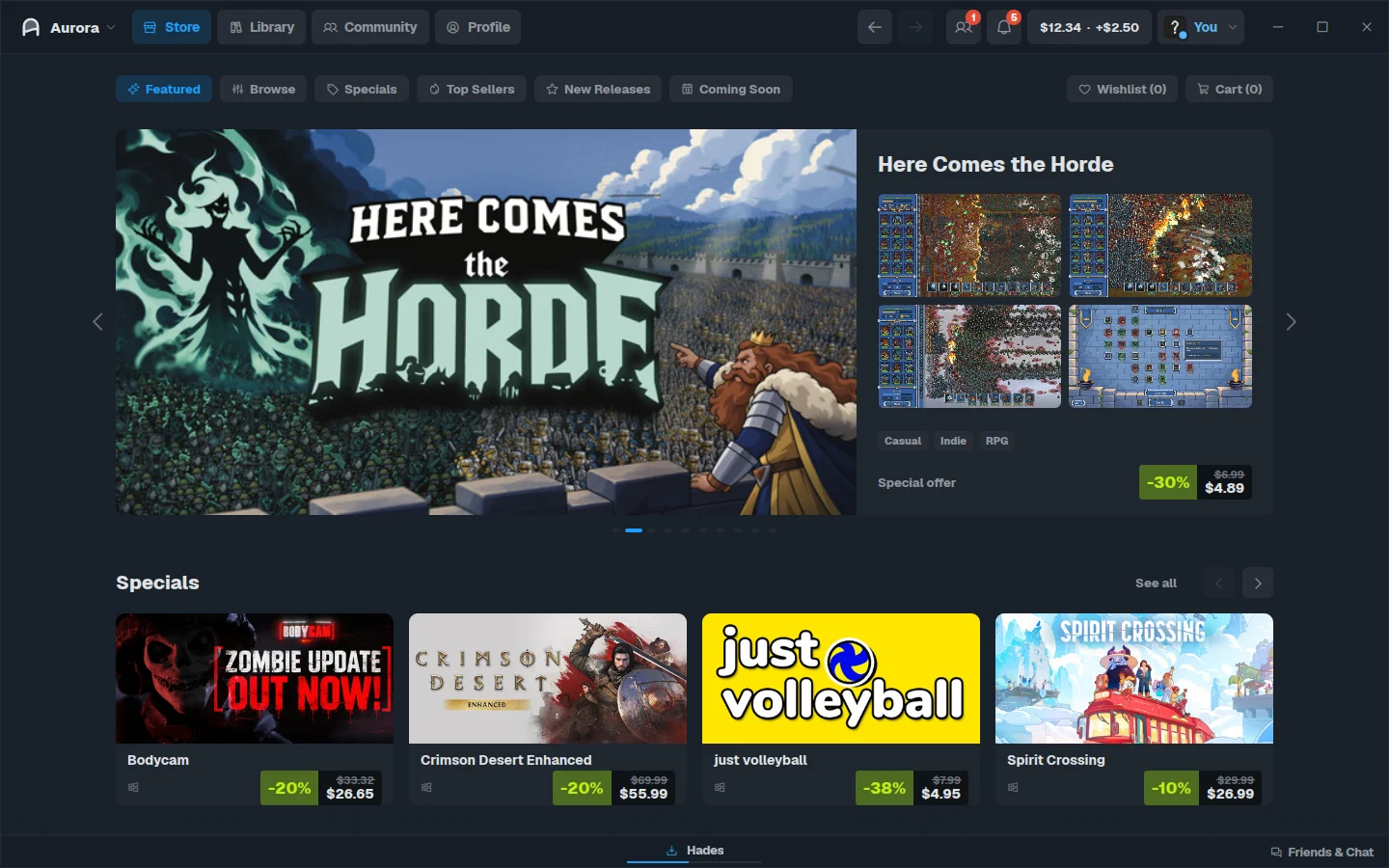
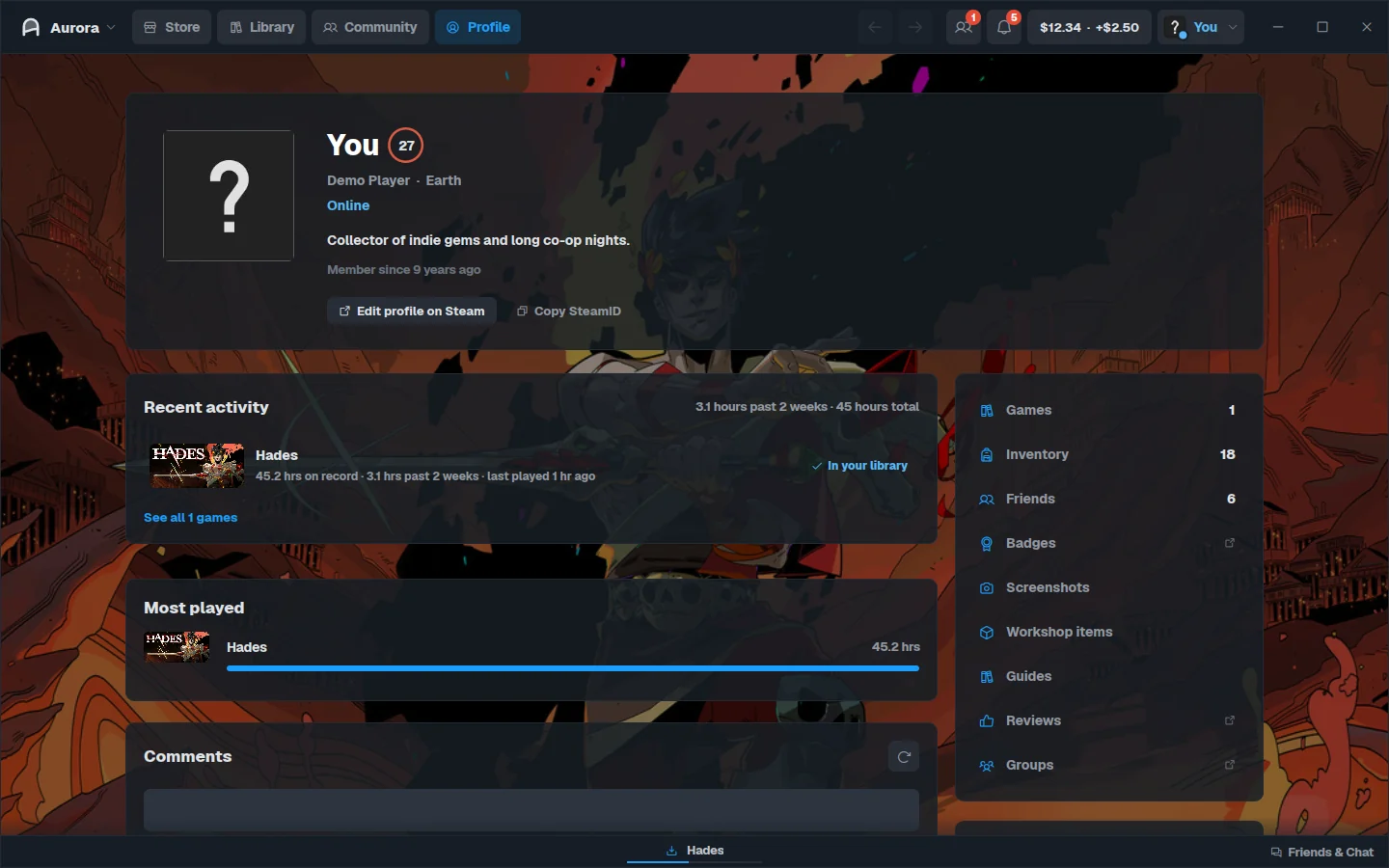
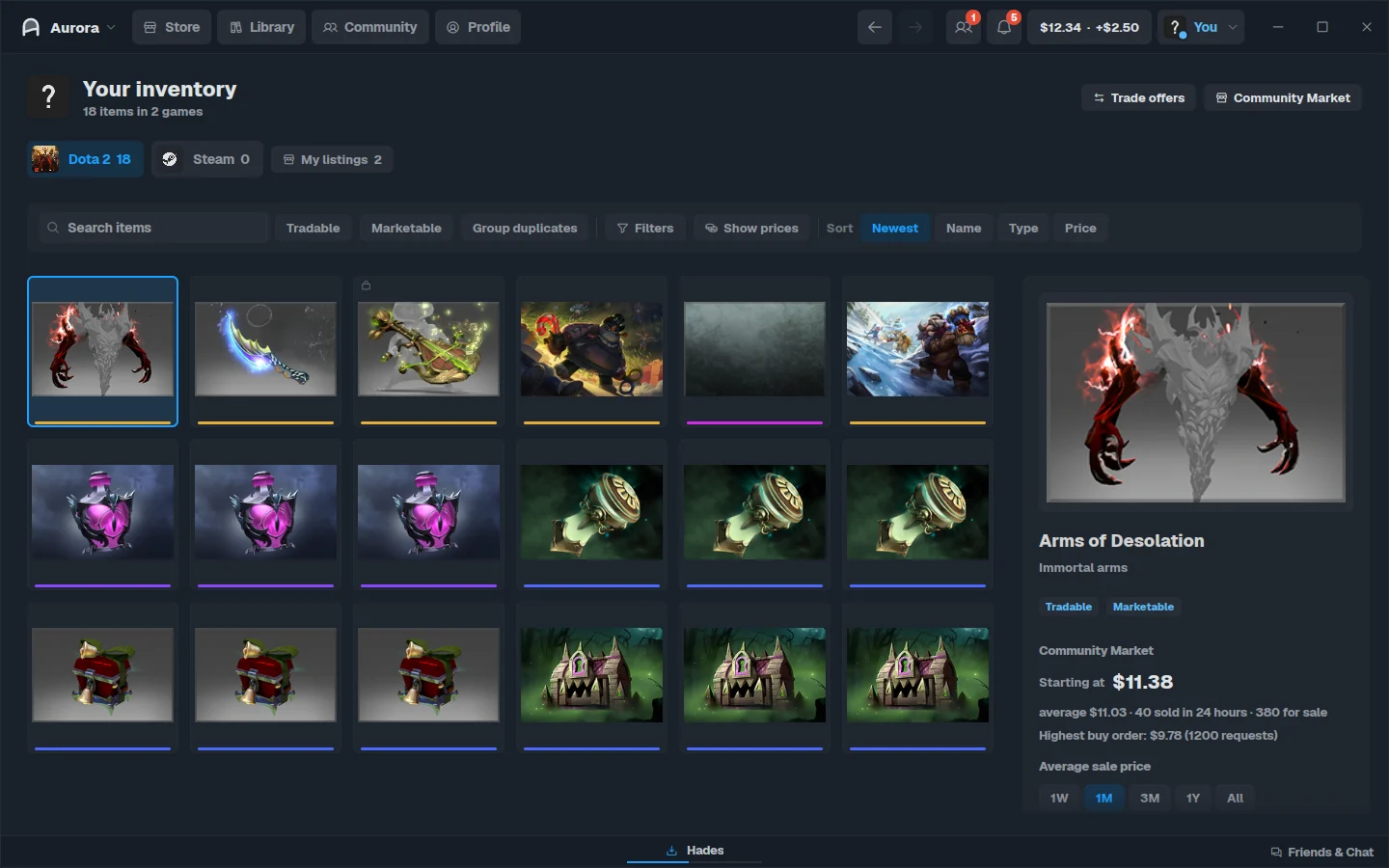
Every game launches
On Linux, Aurora picks how to start each game. Games with both builds run the Linux one; Manage › Compatibility moves any game to a Proton version you choose.
Native Linux games
How it startsDirectly
Steam featuresYour own Steam's steamclient.so, on a windowless Steam host
Windows games
How it startsProton: Steam's default, or the one you pick
Steam featuresAurora's own steamclient: achievements, stats, cloud, lobbies, Workshop
Steam DRMSteamStub
How it startsProton, on the windowless Steam host
Steam featuresValve's engine answers the DRM check itself
Anti-cheatVAC, Easy Anti-Cheat, BattlEye
How it startsThrough the official Steam client, or on the windowless host (experimental)
Steam featuresSteam's own, from Valve's engine either way
The windowless Steam host is your installed Steam's engine without its interface: no steamwebhelper, no Chromium. It checks ownership itself, so it can't start a game you don't own. Running anti-cheat games on it (Settings › Library) is experimental: the anti-cheat may count it as an unsupported setup and ban you. Read the full Linux & Proton guide · Anti-cheat FAQ
Against the official client
Same PC, same account, Aurora 0.7.2 next to Steam. Each figure is the median of 3 runs after a warm-up run.
What works
Works 14
- Sign-in with password, Steam Guard or QR code
- Store with search, Discovery Queue, Points Shop and trailers
- Library with collections, reviews, move/backup and non-Steam games
- Fast parallel downloads and updates
- Friends, activity feed, chat and live Steam Broadcasts
- Community pages and Workshop
- Inventory, Market and trading
- Steam Cloud saves and Steam Input controller settings
- Shift+Tab in-game overlay (Vulkan on Linux, D3D11/12 on Windows) with FPS HUD, notes and F12 screenshots
- System tray on Wayland, X11 and Windows
- Offline mode and Rhai plugins
- Declarative custom themes: NEVKO, Native Adwaita, Steam Desktop Replica, Midnight, OLED, Daylight
- English, Russian, French and Spanish
- Self-updater on Windows
Not yet 3
- Big Picture and Remote Play
- Voice chat
- Checkout opens Steam's website, as Valve requires.
Get Aurora
Every build is on the latest GitHub release. On Linux, Aurora needs Steam installed for Proton and the Steam host; store trailers need ffmpeg, and libpulse for sound. Full install instructions →
Arch Linux
.pkg.tar.zstInstall with sudo pacman -U.
Debian & Ubuntu
.deb · amd64Install with sudo apt install.
Fedora
.rpm · x86_64Install with sudo dnf install.
Linux tarball
.tar.gz · x86_64Unpack anywhere and run it.
Latest release Windows installer
Setup .exe · 10 & 11Installs and keeps itself up to date.
Latest release Windows portable
.zipNo installer. Unzip and run.
Latest release Build from source
Needs Rust. The Windows steamclient DLLs that Proton games load are built by CI; copy them next to the binary from a release. --demo opens the client with sample data, without signing in.
$ git clone https://github.com/mollie2999/Aurora.git
$ cd Aurora
$ cargo build --release -p aurora -p steamhost
$ target/release/aurora          # sign in with your account
$ target/release/aurora --demo   # sample data, no sign-in
Your sign-in
Aurora signs in the way the official client and the Steam Mobile app do. Your sign-in stays on your PC and is only sent to Steam.
Anti-cheat
By default, anti-cheat games always run through Valve's own client. The windowless host for them is opt-in and marked experimental.
No telemetry
Aurora connects to Steam, GitHub for updates, an exchange-rate service for gift regions and, if you add a key, IsThereAnyDeal.